

The Booking-Tours App for Android
El Booking-Tours app puts your Israel, Jordan and Egypt trip in your pocket. Find and book day tours and packages with hotel pickup, keep your voucher offline and add passport and pickup details in a few taps.
 Free · Android · English, Russian and Hebrew
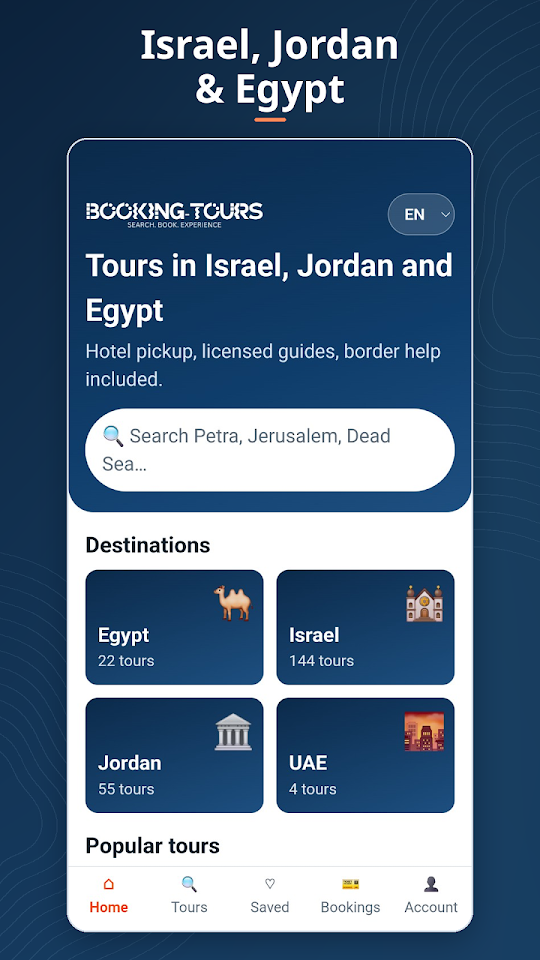
What you can do in the app
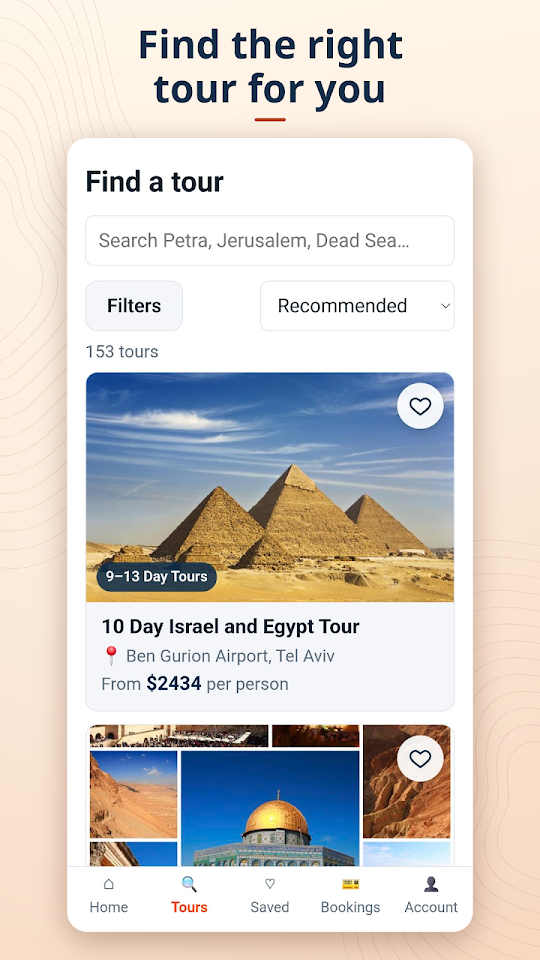
Book tours in minutes
Browse every tour from our tours page, pick a date and travellers, and pay by card or Google Pay. No account needed.
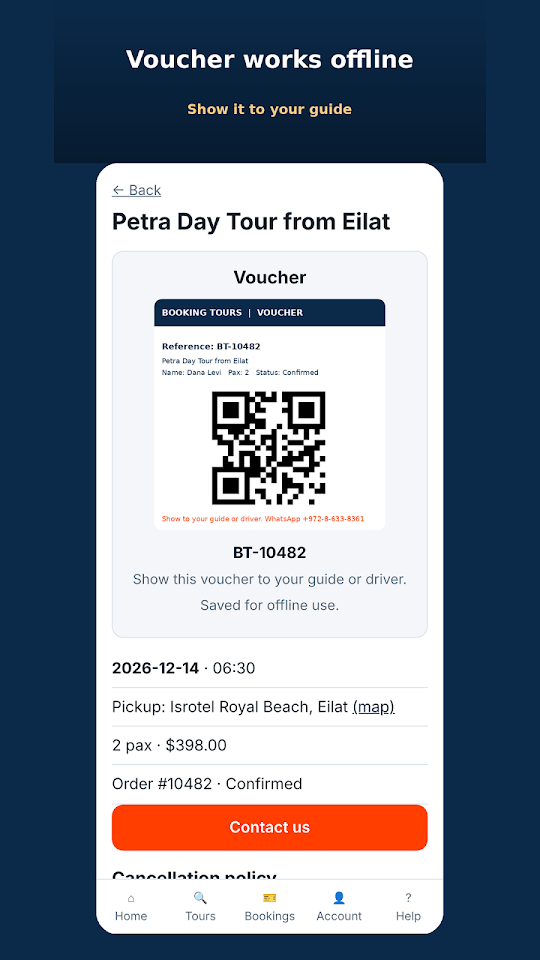
Voucher that works offline
Your voucher and QR code stay on your phone, so you can show it to your guide at the border or in the desert with no signal.
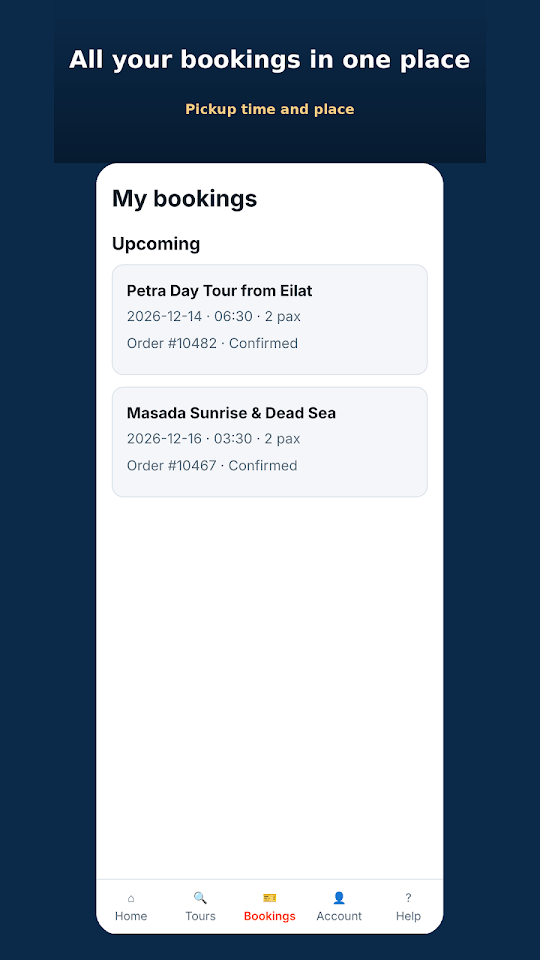
Pickup time and place
See your pickup time and meeting point for each booking, and add or change your hotel pickup when you need to.
Passport details, done safely
For tours to Jordan and Egypt, add each traveller’s passport details and photo in the app. The files are stored encrypted.
Reminders before your trip
Optional notifications remind you about your pickup the day before, and about any details we still need from you.
Bookings from anywhere
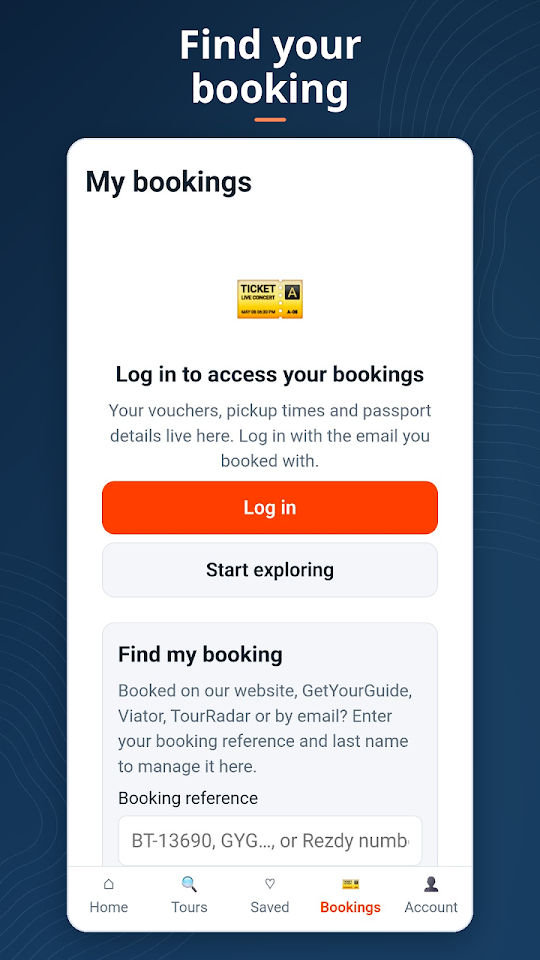
Booked on GetYourGuide, Viator, TourRadar or our website? Find it with your booking reference and last name.
A look inside
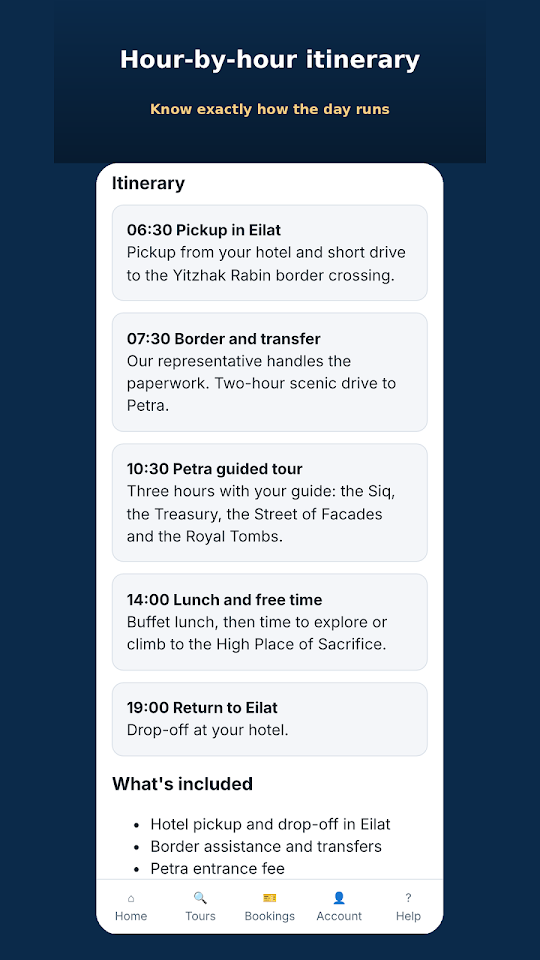
How to get started
- Install the free Booking-Tours app from Google Play.
- Already booked? Open Reservas and tap Find my booking. Enter your booking reference (for example BT-12345, a GetYourGuide or Viator reference) and the last name on the booking.
- Add passport details and your pickup hotel if your tour asks for them. You can also do this on our manage booking page.
- On the day, open your voucher and show it to your guide. It works without internet once it has been opened once.
Download the app on Google Play
Questions about the app
Is the Booking-Tours app free?
Yes. The app is free to download and use. You only pay for the tours you book, at the same prices as on our website.
Is there an iPhone app?
Not yet. The app is available for Android on Google Play. On iPhone you can book and manage everything on booking-tours.com, including the manage booking page.
I booked on GetYourGuide or Viator. Can I use the app?
Yes. Tap Find my booking and enter your booking reference with the last name on the booking. You will see your tour, pickup details and voucher, and you can add passport details for tours to Jordan and Egypt.
Does my voucher work without internet?
Yes. Open the voucher once while you are online. After that it is saved on your phone and works offline, which helps at border crossings and in places like Petra and Wadi Rum.
How do I pay in the app?
You can pay by card or Google Pay. Payments are processed securely by Stripe, and we never see your full card number.
Which languages does the app support?
English, Russian and Hebrew. The website is also available in Spanish, French and Dutch.
¿Dónde está mi voucher?
Open the app, go to Bookings and tap your tour. If you booked as a guest, use Find my booking with your reference and last name.
No he recibido la confirmación
Check your spam folder for an email from [email protected], then look in the app under Bookings. If the booking is not there, message us on WhatsApp with your name and tour date.
Can I change the date or cancel?
Date changes are usually possible, subject to availability. Message us as early as possible on WhatsApp or by email. Refunds follow the política de cancelación shown for your tour.
How do I turn notifications on or off?
In the app under Account, or in your Android settings. Pickup reminders are optional.
How do I delete my account?
In the app go to Account, then Delete account, or follow the steps on booking-tours.com/delete-account.
¿Necesitas ayuda?
Real people in our Eilat office answer every message. Please include your booking reference (BT-xxxxx, shown on your voucher).
- WhatsApp: +972 8 633 8361 (la vía más rápida, de 08:00 a 22:00 hora de Israel, los 7 días de la semana)
- Correo electrónico: [email protected] (respuesta en 1 día hábil)
- Teléfono: +972 8 633 8361
Planning a trip? Read our travel guides or browse Petra and Wadi Rum tours.
Política de privacidad · Condiciones de la app y política de cancelación · Eliminar cuenta